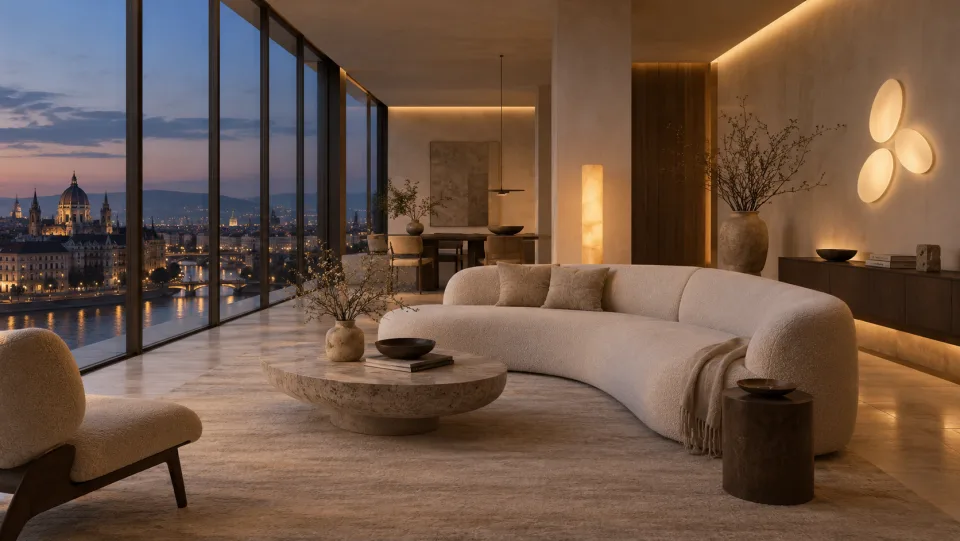
Interactive concept
The Lightshaped Loft
Explore three rooms and change how each one feels with light.
Map your space and pixels, create lighting with AI, and play it on your fixtures. Built for stages, venues and installations.

One workflow for spatial mapping, AI lighting design and local playback.
Start with a plan, scan or lighting plot. Place fixtures, pixels and zones in a shared 3D model.
Explore spatial mappingGive the AI a brief, a track or a visual reference. Preview the result on your rig and refine the cues in Studio.
See how AI direction worksThe local engine plays your validated cues on commissioned fixtures over Art-Net or sACN.
Explore local playbackThe AI creates editable cues. The Lightshaped Engine validates and plays them on your installation, with local control over output.
44Hz
Physical output unlocks only after rig verification.
Try lighting in three Loft rooms and preview the iPhone companion.
Explore three rooms and change how each one feels with light.
Direct a scene, adjust lights or capture a room on supported iPhones.
Control
Adjust the light and control playback in your room.
Colour